The binge
ondemand_video
Watch
Hours of tutorials. Notes you never open. Progress that is really just playtime.
NeuraApp
Structured learning paths, hands-on coding labs, real projects, and an AI mentor to help you become job-ready.
Reps for the job. Not another binge.
Free to start · Learn in your browser · Build real projects
Built for people who want to ship, not just watch.
The shift
Most people collect tutorials. NeuraApp is built for the other loop — write, fail, ask, and ship.
The binge
Hours of tutorials. Notes you never open. Progress that is really just playtime.
The reps
Write the function. Fail the tests. Debug. Repeat until it sticks.
The proof
Turn the lesson into a project you can iterate on and show.
Features
Learn, practice, ask Nea, and build in the same product — not five disconnected tabs.
A spine from Python and math through ML, LLMs, and MLOps. Always know the next lesson — and run it in the lab.
Explore pathWrite, run, and test in the browser. The lab is part of the lesson — not homework you do later.
Not a generic chatbot. Nea already knows the module you are on.

How it works
Five stages, one workspace. Character art from the product — the same loop you follow after you sign in.
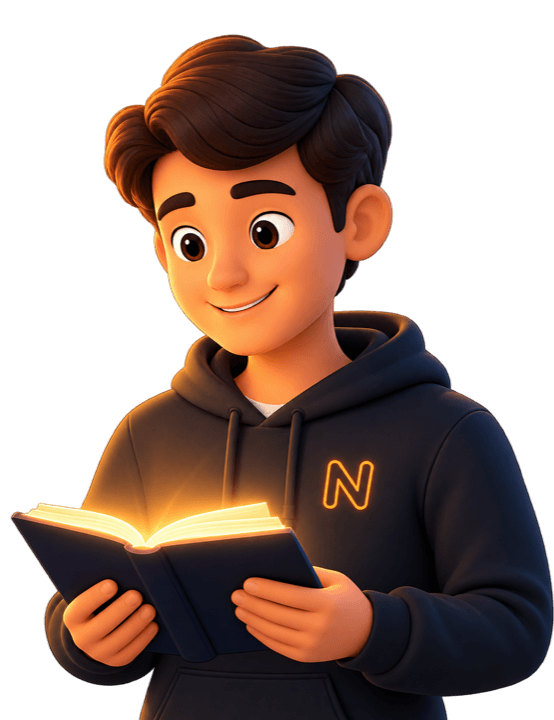
01
Structured lessons built around practical engineering skills — not a pile of disconnected videos.
Paths · lessons · quizzes
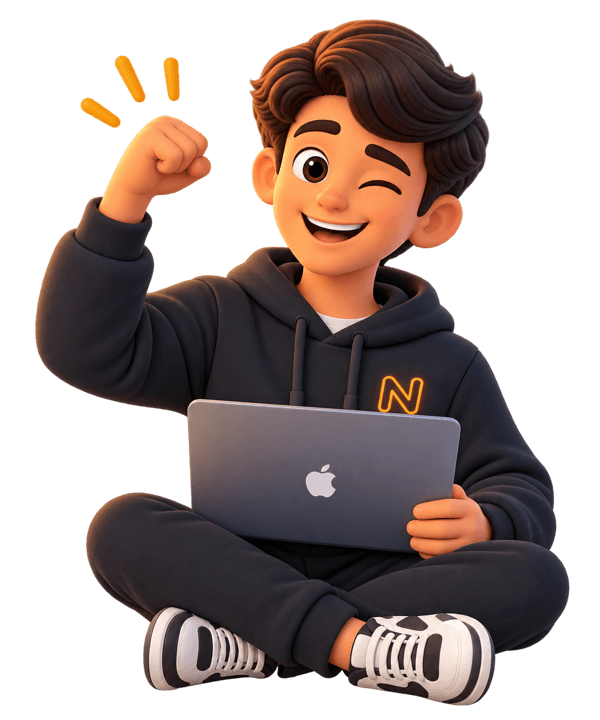
02
Write the code yourself in browser labs. Run tests, fail, debug, and keep the muscle memory.
In-browser IDE · DSA
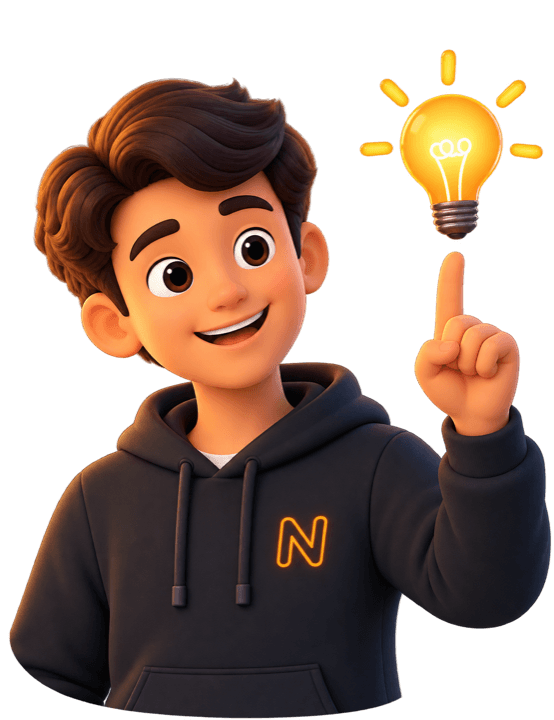
03
A lesson-aware mentor that knows where you are in the path and helps you move forward — hints first, not dumped answers.
Context-aware help

04
Turn what you learned into playground projects you can iterate on and show.
Projects · playground
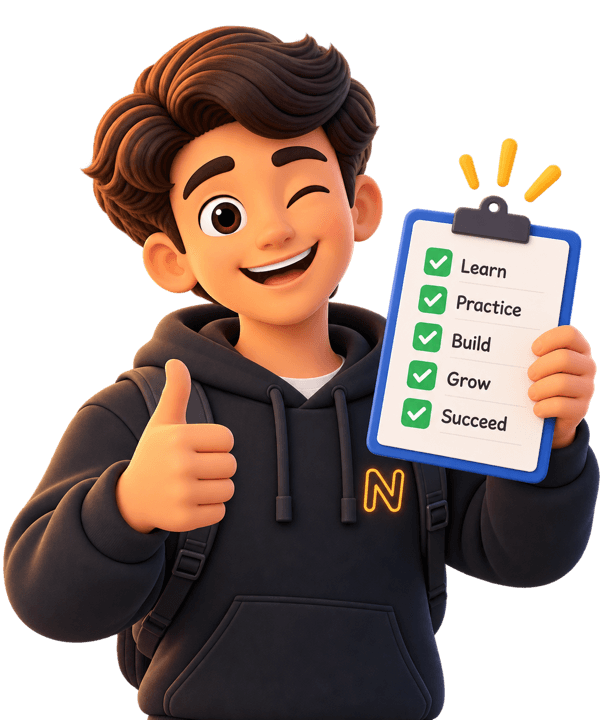
05
Progress, certificates, and career tools so your work is evidence — not just watch time.
Portfolio · certificates
Paths
Python through MLOps — the same routes you will find inside the product.
Build the foundation for AI and data work.
Beginner
Think like an engineer with pattern-based practice in the IDE.
All levels
Train models and understand the fundamentals.
Beginner → Intermediate
Build neural networks from the ground up.
Intermediate
Work with modern models, RAG, and generation systems.
Intermediate
Move models from notebooks toward production systems.
Intermediate
Inside the product
Editor, tests, and a mentor that knows the module you are on — not a chatbot you have to brief from scratch.
Tests
Write → Run → Fail → Debug → Pass. The loop is the curriculum.
Ask Nea
On this lesson · Model evaluation
Hints first. Answers when you have earned them.
Projects
Playground directions tied to real paths — RAG, ML, LLMs, and the road to production.
Embeddings, retrieval, and generation in one playground project.
Train, evaluate, and iterate on a classical or deep model.
Prompting, tools, and structured outputs around a real model API.
Take a notebook workflow toward monitoring and production habits.
Model
LLMs · RAG · fine-tuning
Framework
PyTorch · Hugging Face · LangChain
Kernel
CUDA · attention · autograd
Systems
MLOps · serving · vector DBs
Who it's for
Same product. Different entry points. No invented job-placement claims — just a loop that produces work.
Build fundamentals, practice in the IDE, and turn coursework into playground projects you can show.
Path → practice → portfolio
Transition into AI engineering with structured ML, LLM, and systems paths — without abandoning your existing engineering instincts.
Software → AI engineering
Go deeper than the API: CUDA, RAG, vector databases, and MLOps sit on the same learning spine.
Build and operate AI systems
“This is where developers become AI engineers — by writing the code, not collecting another tutorial.”
12+
Learning tracks
180+
Modules & lessons
50+
Practice problems
Pricing
No credit card to begin. Compare the full matrix on the pricing page.
See full pricing →Free
$0
Learn and build across the entire engineering catalog
Pro
$5/mo
Your personal mentor and career accelerator
Team
$15/mo
For study groups, college clubs & small classrooms
Yes. You can start on the Free plan with no credit card. Pro and Team unlock more Ask Nea usage, playground capacity, and team controls. Compare plans on the pricing page.
Students, software engineers, and builders who want to learn AI by practicing and shipping — not by binge-watching tutorials.
No. Start with Python or Math Foundation, then move into machine learning, deep learning, LLMs, and MLOps at your own pace.
Yes. The in-browser lab includes an editor, tests, and run/submit workflows for DSA and coding practice. The ML playground lets you build projects without a local setup.
Ask Nea is NeuraApp’s lesson-aware AI mentor. It uses the module you are on to give hints, explanations, and next-step guidance instead of acting like a generic chatbot.
Yes. You can create and iterate on playground projects from your dashboard, tied to what you are learning on the path.
AI engineering is the destination. The spine also includes Python, mathematics, DSA, and software engineering so the fundamentals stay connected to ML and production AI.
Yes. Paths, labs, and Ask Nea are self-paced. Progress is saved to your account.
Yes. Completed tracks and assessments can earn verified certificates with shareable verification codes.
If you are new, begin with Python. If you already write software, jump into DSA practice or Machine Learning. The path always shows the next lesson.
Yes. Tracks include PyTorch, RAG, CUDA, and MLOps so you can move from using models to building and operating them.